 Le Sentier
The numbers can be rough
You do not have to count everything to the gram to get started. The system adjusts as it goes, from what you actually count.

Brought to you by The Campfire Workers' Collective
Closed pilot — Le Sentier is rolling out to a handful of chosen businesses. You cannot sign up on your own, but you can tell us you are interested.
Le Sentier is an ERP for small businesses. It plugs into your register, and it thinks in workflows — the way you do, not the way a spreadsheet does.
A job site ordering its paint, a kitchen tracking its batches: in both cases, what runs short triggers a task, and the task ends up in the money.
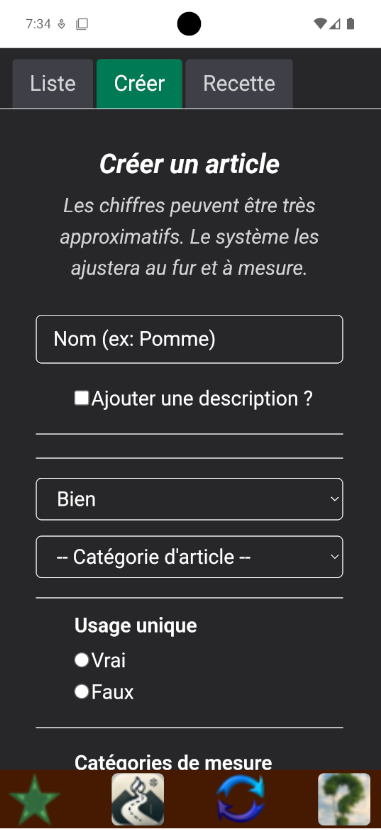
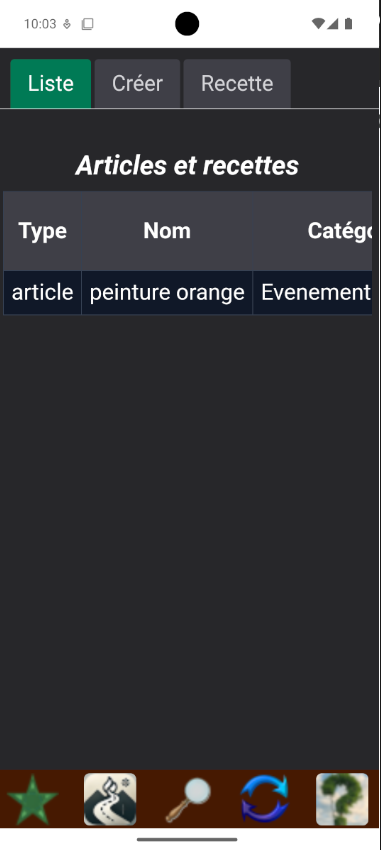
« orange paint », and that is it. You choose whether the system should keep a level stocked, or only move on demand.
« The numbers can be very rough. The system will adjust them as it goes. »
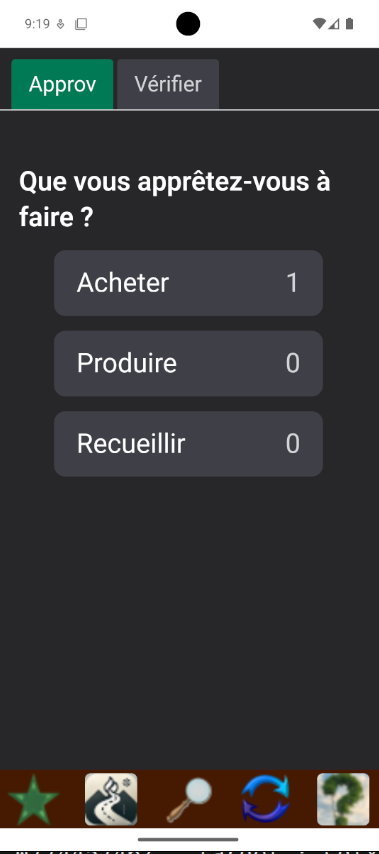
Before heading to the store, you want a list. The app asks what you are about to do — buy, produce or gather — and shows you what has fallen below its threshold.
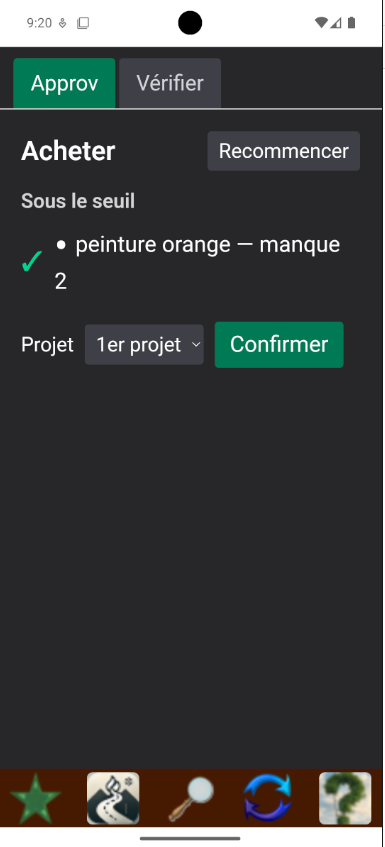
Confirming creates a task in the task pot. It asks for a receipt — but that is optional, and it can be added later. A photo is enough: the receipt is read, and you fix whatever was misread.
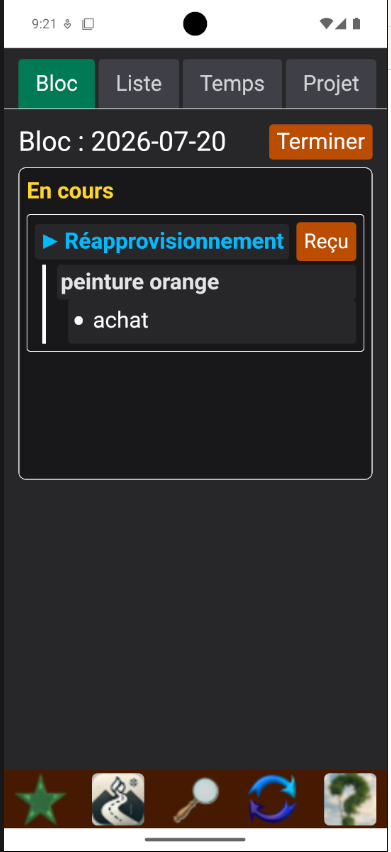
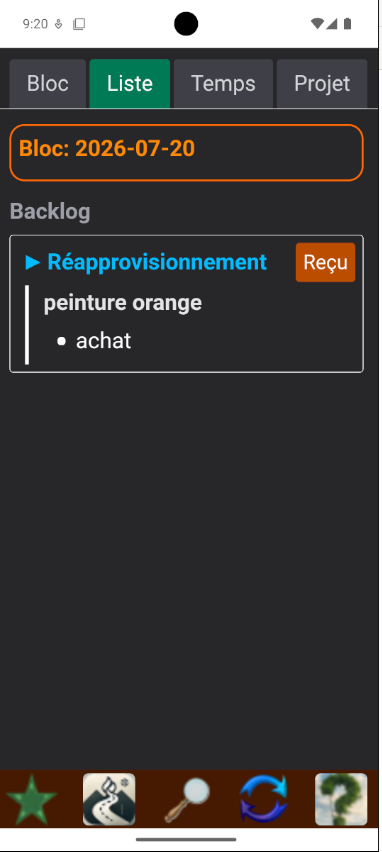
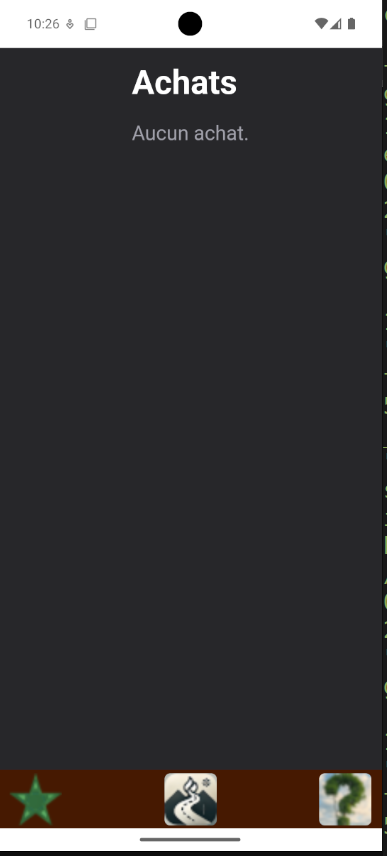
One row per item bought: the date, the zone, the quantity, the amount, and the task it came from. Your sales come in on their own if your register is connected.
Purchases sealed on the road, with no invoice, are listed with estimated figures until you attach the receipt.
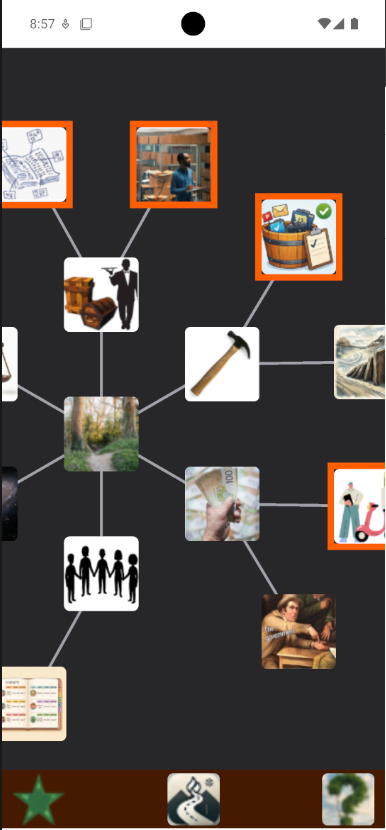
Every page in the app sits on a map you drag with your finger. Tap a tile to go there. What is framed in orange are your favourites — here the catalogue, stock management, the task pot and the orders.
Favourites are kept on the server: they follow you from one device to the next.
You do not have to count everything to the gram to get started. The system adjusts as it goes, from what you actually count.
When we pull from your register, the app only proposes. You are the one who links each item to a product, or sets it aside.
We expect to change the application to fit your needs. That is what we do for every deployment, and it is part of the conversation.
The app is at its most complete in artisanal food, because that is where it grew up. It also serves construction and interior work, where the same chain — contract, purchase, work, invoice — applies.
Caterer, bakery, meals-on-wheels: you produce keepable goods ahead of time, from components you buy.
The plate only exists once it is ordered. Components, not dishes, drive restocking.
Owner or manager: you set the thresholds, the sources and the buying cadence, you read the reports and you decide.
One project per wedding, per festival. Contracts, quotes, production ahead of time and at service time.
Farm, foraging, fishing: your inputs are gathered rather than bought, and the app accounts for that.
Write to us with your company's name and what you need to manage in inventory. We adapt Le Sentier for every deployment — it is part of the conversation.